
Digital safety for online business owners
Prevent digital problems
before they hit your business.
Practical guides, checklists and resources for online business owners who want to protect their accounts, access, data, backups and recovery process, without turning security into a complicated IT project.
Start with the free guide. Upgrade to the full kit when you are ready to defend your business.
Fake emails that look real
One wrong click can put your client inbox, professional accounts, or payment platforms at risk.
Reused passwords
One reused password can open the door to your entire business software stack and cloud storage.
Missing backups
If your business data breaks, gets deleted, or gets locked, recovery should not be a guessing game.
Featured product · Value $282 · Now $37
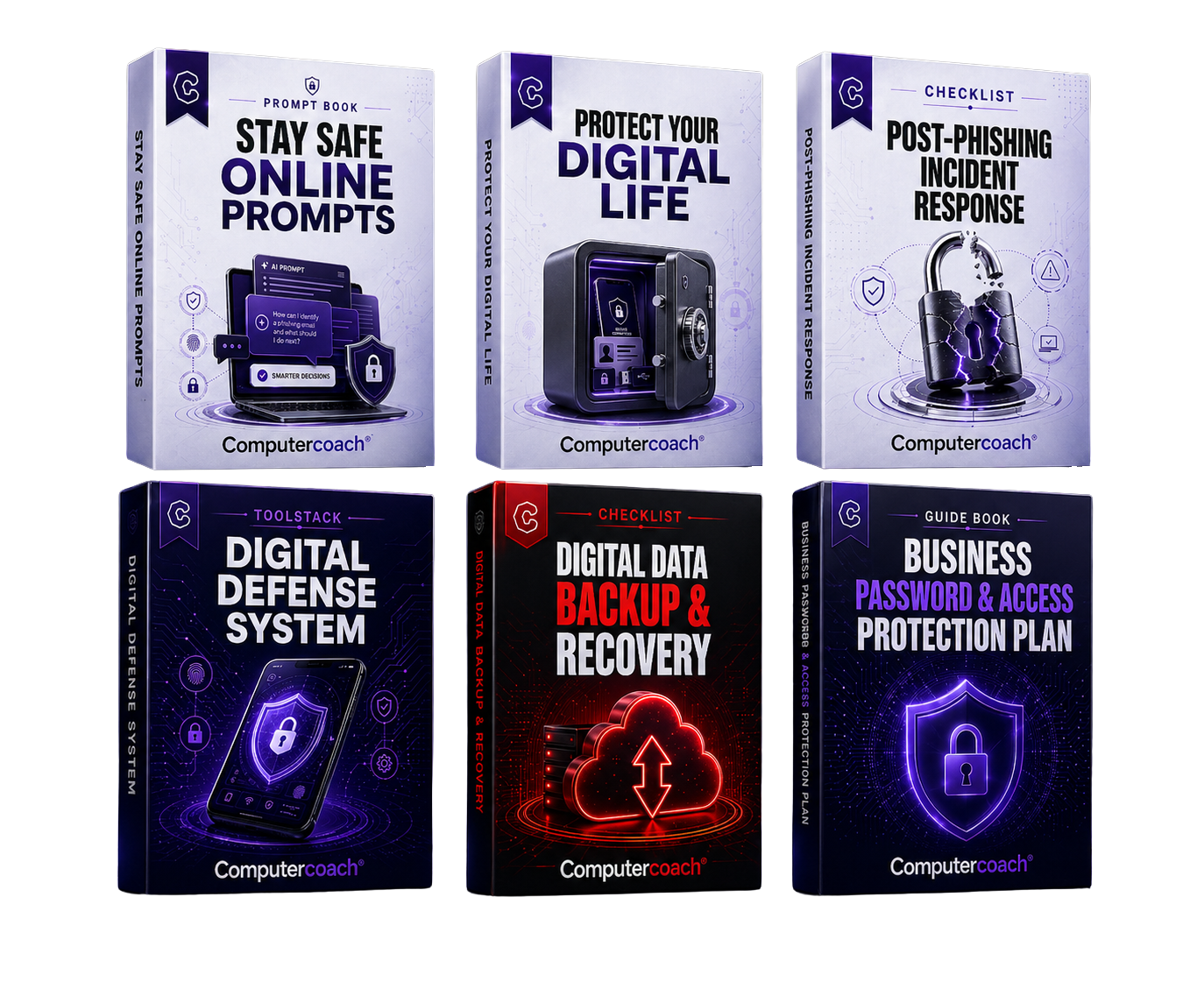
Digital Defense Implementation Kit
A practical information bundle for online business owners who want to protect their accounts, access, data, backups and recovery process without turning security into a complicated IT project.
- Stay Safe Online Prompts: Ready to use prompts that help you make smarter digital safety decisions.
- Protect Your Digital Life: A guide to protect your data, secure your identity and build safer online habits.
- Post-Phishing Incident Response: A fast checklist for what to do after clicking something suspicious.
- Digital Defense System: A toolstack and system overview to help strengthen your devices and digital setup.
- Digital Data Backup & Recovery: A practical checklist to protect your data, prevent loss and recover faster.
- Business Password & Access Protection Plan: A guide to secure access, protect business accounts and build trust.
Information products only. No technical setup needed.
Products
Start free. Upgrade when you want the full system.
Begin with the free guide. If you want the complete set of practical resources, the Digital Defense Implementation Kit gives you all six tools in one bundle.
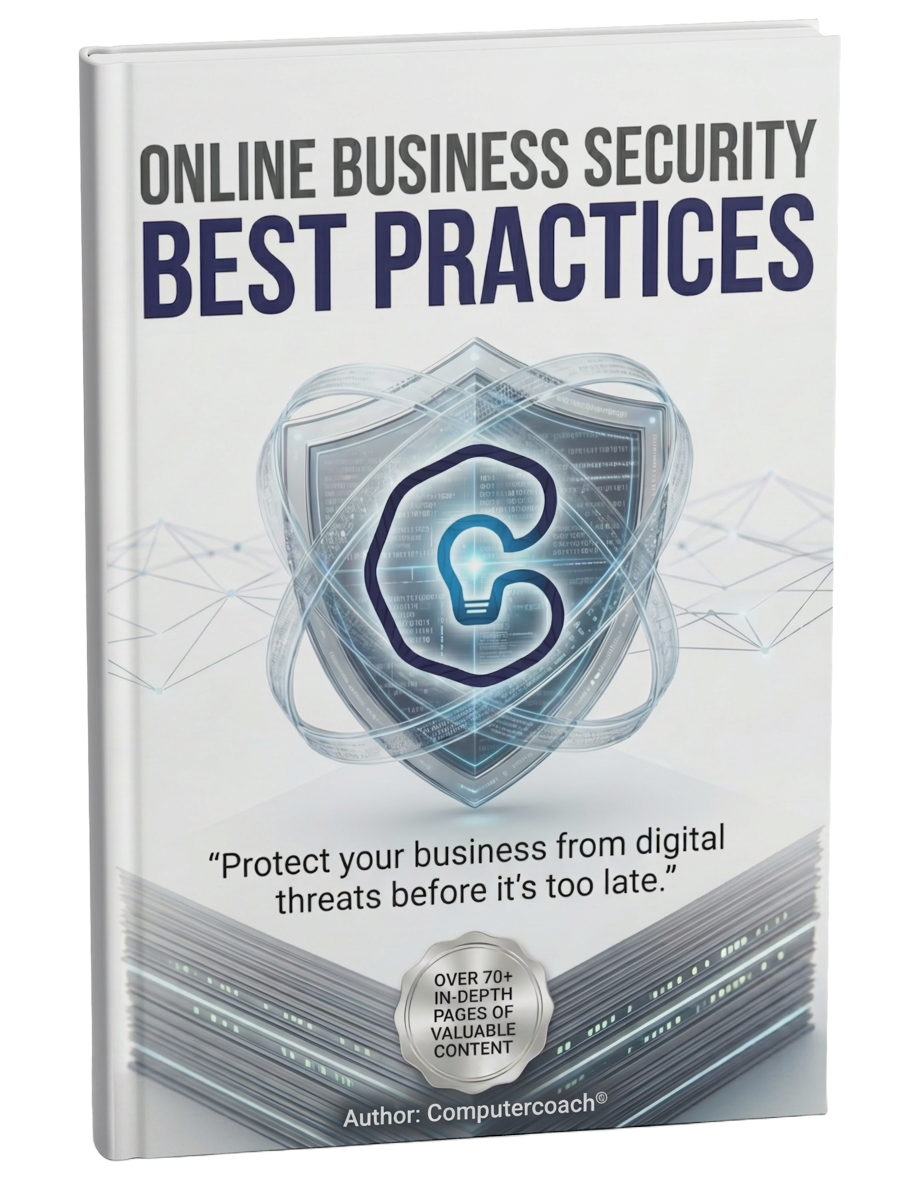
Online Business Security Best Practices
A starter guide for online business owners who want to understand the digital risks they should check first.
Get the free guideDigital Defense Implementation Kit
Six practical resources to help you review passwords, access, backups, phishing risks, data protection and safer online habits.
View the kitHow it works
From vulnerable accounts to a protected business.
Download the free guide
Grab the starter guide and learn which digital risks entrepreneurs, businesses, professionals, and freelancers should check first.
Check your risks
Run the checklist across your inbox, professional accounts, payment platforms, access, backups, and client data.
Use the Kit to set things up
Get The Digital Defense Implementation Kit and follow six practical resources to actually put business protection in place.
Reviews
Trusted by people who'd rather not get hacked.
"Finally a security course that doesn't feel like a lecture. I rolled it out to my whole team in a week."
"I always thought cybersecurity was for big companies. The toolkit showed me it's just habits, and they're easy."
"Caught a phishing email the day after reading the free guide. Worth it before I even paid a cent."
"I saw the free e-book through a Facebook ad and figured I'd give it a try. I'm glad I downloaded it, because it finally made online security feel a lot less confusing. The free guide is a great start, but the $37 toolkit is what you really need if you actually want to put everything into action."
"I liked that this didn't throw a bunch of tech terms at me. It helped me understand what I should check first and why it matters. I walked away with a much better idea of where my business was exposed."
"Most security advice I've seen feels too complicated or too dramatic. This was different. It gave me a simple starting point and helped me take action without feeling overwhelmed."
"I never really thought about how connected my email, payment tools, and website logins were. This made that very clear. It helped me clean up a few weak spots I had been ignoring."
"This was straightforward and easy to follow. I don't have time to become a cybersecurity expert, and this didn't expect me to. It just showed me what to look at and what to fix first."
"The backup checklist alone is worth the price. I now have a proper recovery plan instead of hoping nothing happens."
"As a solo owner, I wear ten hats. This toolkit gave me a clear security routine I can actually maintain."
"My accountant asked about our security setup. Thanks to this kit, I had an answer for every question."
"The password and access plan helped me remove a former intern from all our tools in under an hour. That peace of mind is priceless."
"We almost lost a client invoice to a ransomware scare. This toolkit helped me lock down the basics fast."
"I bought it on a Sunday, implemented it on Monday, and slept better on Monday night. Simple as that."
"No jargon, no fear-mongering. Just a practical checklist for people who run real businesses."
"The phishing response guide is now printed out next to every desk in our small office. Great team resource."
"I finally understand why two-factor authentication matters for my business accounts. The toolkit explains it without talking down to you."
"Good value, clear instructions, and I had everything downloaded in minutes. Exactly what I needed."
"The toolkit made our security rollout feel manageable. We covered the basics in one afternoon and everyone understood their role."
"I used to assume my business was too small to be targeted. This changed my mind and gave me a clear plan to fix the gaps."
Free guide
Know what to check before a small digital mistake becomes a business problem.
Get the free starter guide for online business owners. Learn what to review first across your inbox, passwords, business accounts, access, backups and customer data.
No spam. Unsubscribe anytime. Information only, no technical setup included.
FAQ
Common questions
Do I need technical knowledge?+
No. The guides are written specifically for entrepreneurs, businesses, professionals, and freelancers who want clear, practical information to protect their assets without complicated technical language.
Will Computercoach fix or configure my systems?+
No. Computercoach provides information products: guides, checklists, prompts, and practical resources. I do not configure accounts, install tools, or replace an IT specialist.
What is the free guide for?+
The free guide helps you understand the digital risks professionals should check first, such as fake emails, weak passwords, cloud storage access, backups, and client data.
What is the Digital Defense Implementation Kit?+
The kit is the full paid bundle for securing your business. It includes six practical resources: Stay Safe Online Prompts, Protect Your Digital Life, Post-Phishing Incident Response, Digital Defense System, Digital Data Backup & Recovery, and Business Password & Access Protection Plan.
Is this a technical service?+
No. This is an information product. It helps you understand what to check and what steps you can take yourself to protect your business. For hands-on technical work, you may still need an IT specialist.